Last updated: October 2026
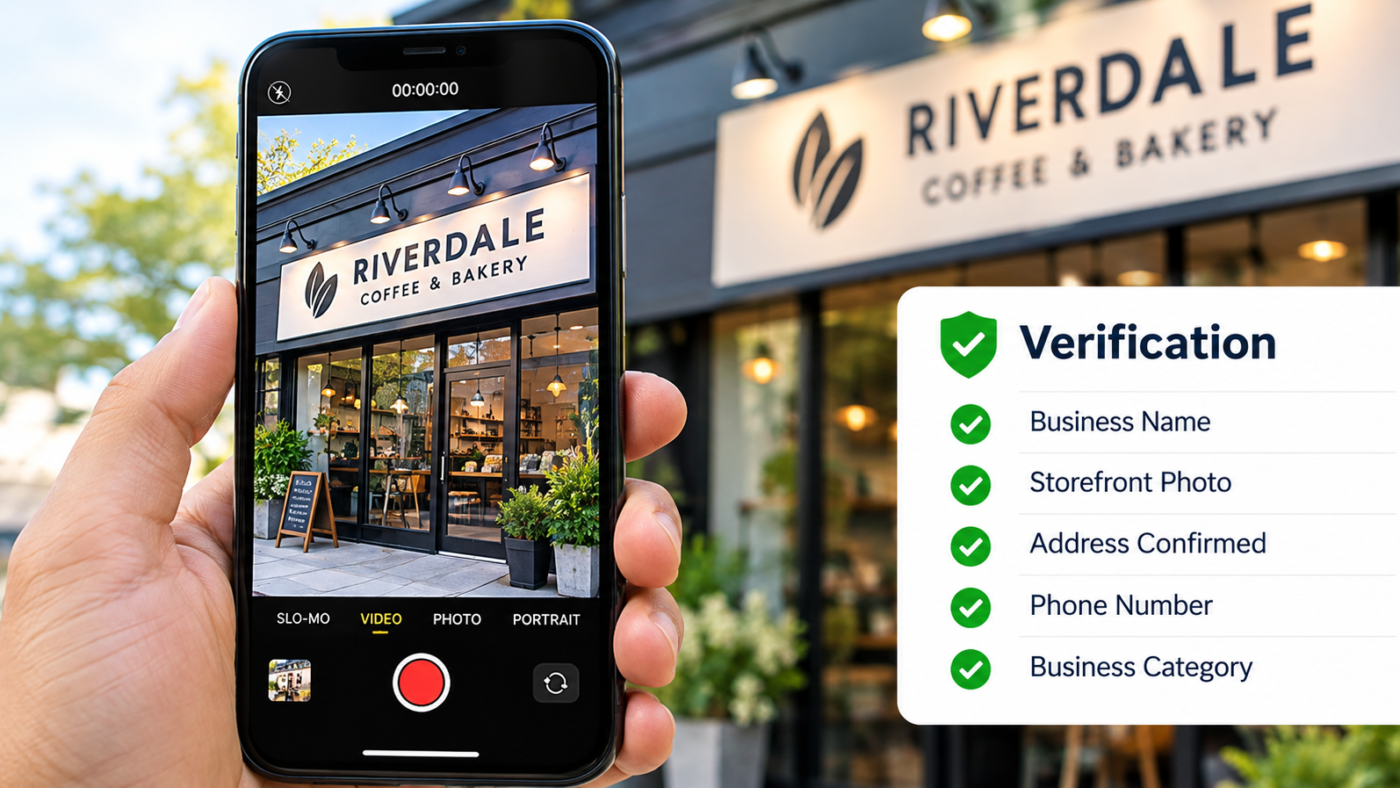
Most US businesses now verify their Google Business Profile by recording one continuous video. The video must show where you are (your street, building or signage), your business equipment or workspace, and proof that you manage the business, such as unlocking the door or opening your point of sale system. Phone, text, email or instant verification only appear for some profiles, and postcards are largely gone. Most failed verifications come from a cut or edited clip, missing signage, or an address that does not match the profile. Stuck on verification? Message me on WhatsApp.
Verification used to mean waiting two weeks for a postcard. Today it usually means pointing your phone at your storefront and walking inside while you record.
That sounds easy, and for many businesses it is. But I see a steady stream of US owners who have failed video verification two or three times and do not know why. Google rarely explains the rejection. It just asks you to try again, or sends you to support.
This guide walks you through every verification method, the exact shot list I give clients, the most common reasons videos get rejected, and what to do when nothing seems to work.
Why verification matters
An unverified profile is close to invisible. It can appear in some searches, but you cannot edit it properly, reply to reviews, add photos as the owner, or see performance data. Anyone can also suggest edits to it, and those edits are more likely to stick.
Verification is also Google’s main defense against fake listings. That is why it has become stricter over the last two years, especially for home based businesses, locksmiths, garage door companies, movers and other categories with a history of spam.
The verification methods you may see
Google decides which methods you are offered. You cannot pick one that is not shown. It depends on your category, your address, your account history and how much Google already knows about the business.
| Method | When you usually see it | Typical wait |
|---|---|---|
| Video recording | Most new profiles and many address changes | A few business days |
| Phone call or text | Some older or unclaimed profiles | Minutes |
| Some unclaimed profiles with a known domain | Minutes | |
| Instant | Rare, when Google already trusts the business data | Immediate |
| Postcard | Largely discontinued | Not offered for most |
| Live video call | Sometimes offered after failed attempts | Scheduled |
Review times above are typical, not promises. Video reviews can take up to five business days according to several practitioners (Dalton Luka), and longer during busy periods.
What Google wants to see in the video
Google’s requirements fall into three groups. Your video needs to show something from each one.
- Location: the street, nearby businesses, your building and your permanent signage
- Business equipment: your workspace, tools, inventory, service vehicles or displays
- Proof of management: something only the owner or staff can do, such as unlocking the front door, opening the register, logging into your POS or opening a locked storage room
Google also asks you not to film customers’ faces or sensitive documents. You do not need to show your own face either.
The shot list that passes
This is the order I give clients. Record it in one take, with no cuts, at a steady walking pace. Aim for one to two minutes.
-
Start outside
Street sign or cross street
Begin a short walk away from your door. Show the street name sign or a recognizable landmark, then pan to the neighboring businesses so Google can match your location on Maps.
-
Your building and permanent signage
Walk toward your entrance and hold on your business sign for three or four seconds. The name on the sign should match the name on your profile. A temporary banner or a sheet of paper taped to the window is weak evidence.
-
Unlock and enter
Use your key or code on camera. This is one of the strongest proofs of management you can give.
-
Your workspace and equipment
Show the counter, chairs, tools, treatment rooms or inventory. Anything that clearly shows the kind of business on your profile.
-
Proof you run it
Open your POS, booking software or cash drawer, or open a back office or storage room. Keep customer details off screen.
-
Branded items
Business cards, uniforms, invoices with the logo, or branded packaging help connect the space to your business name.
If you are a service area business
Plumbers, cleaners, mobile mechanics and other businesses that visit customers do not have a storefront to film. Google still needs proof that the business is real and that you are based where you say you are.
- Film your branded vehicle, including the business name and license number if it is on the van
- Show the tools and equipment you use on jobs
- Show proof of management, such as opening your scheduling app or invoicing software
- If you work from home, show the street, your house number and your work area or storage, without filming anything private
Keep your address hidden on the profile afterward. I cover the setup in the service area business guide.
Why video verification fails
Google rarely says why it rejected a video. In my experience, these are the causes behind most rejections:
- The clip was edited or cut. One continuous take only. No filters, no music, no stitched clips.
- No permanent signage. This is the most common problem for new businesses. Get a proper sign before you record.
- The address does not match. Your street, suite number and pin location must match what is on the profile.
- The name does not match. If the profile says “Smith Plumbing Austin TX” and the van says “Smith Plumbing”, the extra keywords work against you. Use your real business name.
- Not enough proof of management. Walking around a space is not enough. Unlock something or open something.
- Coworking or virtual office. Google does not allow virtual offices, and coworking desks only qualify when they are staffed during business hours with clear signage.
- Poor video quality. Too dark, too shaky or too fast. Walk slowly and record in daylight.
Failed verification more than once?
Send your business name, city and state. I will check your profile setup, name, category and address against Google’s rules and give you a shot list for your exact business before you try again. Free, within a day.
- Name Hemant Chaudhary, GMB Expert USA
- WhatsApp +91 76968 87890
- Email contact@gmbexpertusa.com
- Hours Monday to Saturday, overlapping US business hours
- Pricing From $200 a month, no contract
What to do if verification keeps failing
-
Fix the profile before you record again
Correct the business name, category and address first. Recording a perfect video for a profile that breaks the rules will still fail.
-
Wait for the review to finish
Do not submit a second video while the first is still pending. Multiple submissions can slow things down.
-
Try a different method if one appears
After a failed video, Google sometimes offers a live video call with a support agent. Take it if you see it. You can answer questions in real time.
-
Contact Google Business Profile support
Explain what you submitted and have documents ready: business license, utility bill at the address, and your EIN letter or state registration.
When verification triggers again later
Verified profiles can be asked to reverify. The usual triggers are changing your business name, address or primary category, or a burst of edits in a short time. If you plan a move or a rebrand, make all the changes together and keep your signage ready for a new video.
If your profile ends up suspended instead of asking for reverification, that needs a different process. Start with the suspension and reinstatement guide.
Frequently asked questions
Can I still verify my Google Business Profile by postcard?
For most new US profiles, no. Google has largely replaced postcards with video verification. You can only use the methods Google shows in your dashboard.
How long does Google take to review a verification video?
Usually a few business days, and up to about five. It can take longer during busy periods. Avoid editing the profile while the review is pending.
Can I verify a home based business on Google?
Yes, as a service area business with your address hidden. Your video should show the street, your house number, your equipment or vehicle and proof that you run the business.
Why does Google keep rejecting my verification video?
The usual reasons are a cut or edited clip, no permanent signage, a name or address that does not match the profile, or no clear proof of management. Fix those before trying again.
Do I need to show my face in the verification video?
No. Google asks you not to record people’s faces or sensitive documents. Focus on the location, the workspace and proof of management.
Will editing my profile make me verify again?
It can. Changes to your name, address or primary category are the most common triggers. Small edits like hours or photos rarely cause it.
Final word
Video verification rewards real businesses that are set up properly. Get permanent signage, make your profile match reality, record one calm continuous take, and show that you hold the keys. Most businesses that follow this pass on the first or second attempt.
Once you are verified, the next step is ranking. The map pack ranking guide covers what to do next. If you want help, Hemant Chaudhary offers a free audit. Send a WhatsApp message or email contact@gmbexpertusa.com.
Verification methods vary by business, category and location, and Google changes them often. No one outside Google can guarantee a verification outcome. GMB Expert USA is run remotely by Hemant Chaudhary and works with US businesses across all time zones. Google, Google Business Profile and Google Maps are trademarks of Google LLC. GMB Expert USA is an independent service provider and is not affiliated with or endorsed by Google.