Last updated: October 2026
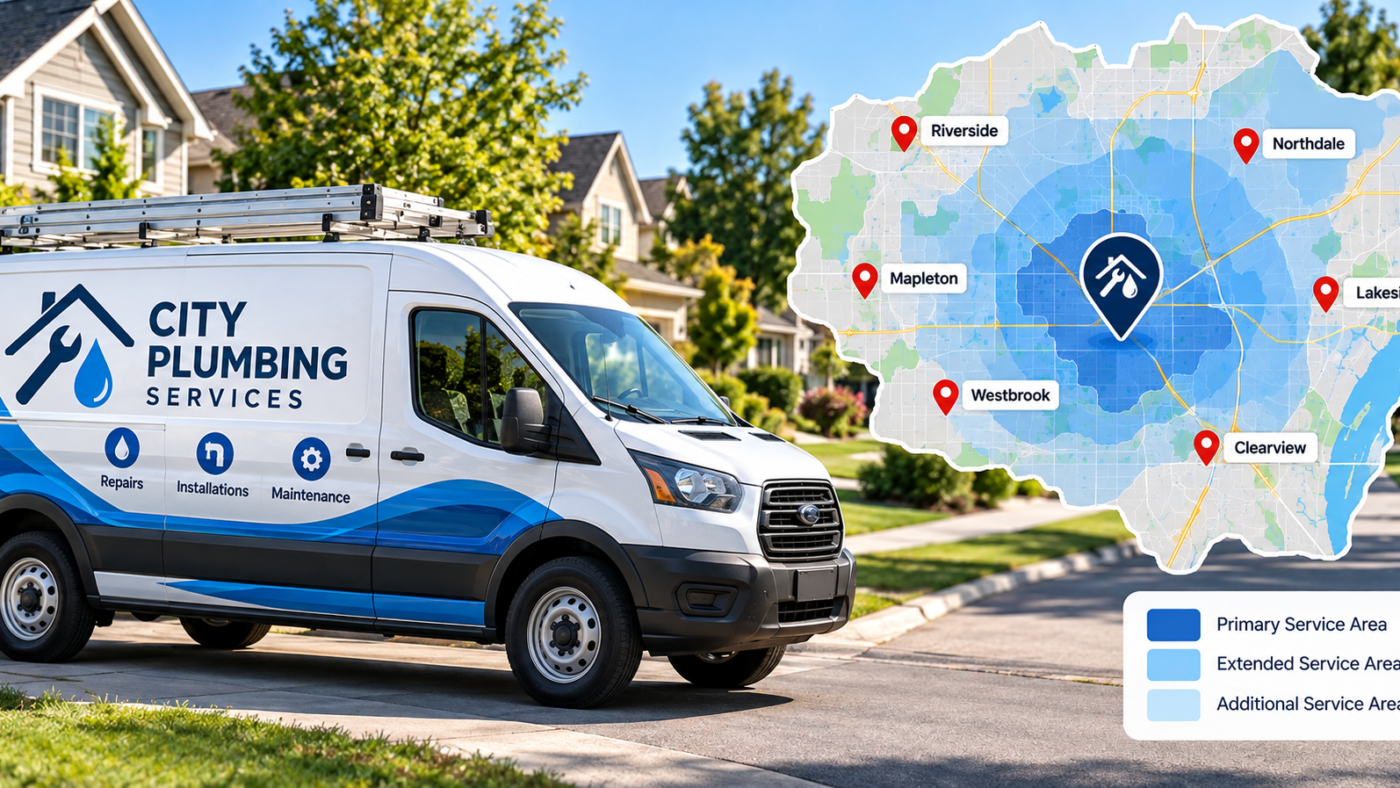
If you travel to customers and do not serve them at your address, Google wants you to hide your address and list the areas you serve instead. You can add up to 20 service areas, by city or ZIP code, within about two hours of driving from your base. Hiding your address does not stop you ranking, but your ranking still depends mostly on where your verified address is. Setting more service areas will not make you rank in distant cities. Strong reviews, a complete profile and real city pages on your website do more. Unsure how your profile should be set up? Message me on WhatsApp.
Plumbers, electricians, roofers, cleaners, landscapers, mobile detailers, pest control companies and many more have the same problem. You run a real business, but customers never come to your address. Often it is your home, and you do not want it on Google Maps.
Google has a setup for exactly this, called a service area business. It is also one of the most misunderstood parts of Google Business Profile, and a common reason profiles get suspended.
Here is how it works, what the rules actually say, and how to rank well without showing your address.
Which type of business are you?
| Type | Examples | How to set up the profile |
|---|---|---|
| Storefront | Dental office, restaurant, salon, retail shop | Show the address, no service areas needed |
| Service area business | Plumber, house cleaner, mobile mechanic, roofer | Hide the address, add service areas |
| Hybrid | HVAC company with a showroom, pizza place that delivers | Show the address and add service areas |
The test is simple: do customers come to your address during business hours, with staff there to serve them? If yes, show it. If no, hide it.
Google’s rules for service area businesses
Google’s help page sets out the rules clearly (Google Business Profile Help):
- If you do not serve customers at your business address, remove the address from your profile
- You can add up to 20 service areas
- Your overall area should not extend beyond about two hours of driving from where your business is based
- You cannot set a radius. Define areas by city, ZIP code or other named area
- Businesses without permanent signage at the address are not eligible as storefronts
- Businesses selling alcohol, cannabis or weapons need a storefront
Changes can take up to 48 hours to show after Google approves them.
If you are a hybrid business
Some businesses do both. An HVAC company may have a showroom customers can visit, and also send technicians to homes. A pizza place serves customers at the counter and delivers across town. A locksmith may have a shop and run mobile jobs.
For a hybrid business, Google lets you show your address and add service areas at the same time. The condition is that your location must be staffed and open to customers during the hours on your profile, with permanent signage. If customers can only visit by appointment and nobody is there otherwise, think carefully about whether you are really a storefront.
Hybrid profiles often rank better close to the building, because the visible address adds trust. But the same rule applies as for service area businesses: the service areas you add do not stretch your ranking radius on their own.
How to set up your service area
-
Step 1
Open your business information
Sign in, open your profile from Google Search or Maps, and choose Edit profile, then Location.
-
Hide your business address
Turn off the option that shows your address to customers. Your address stays on file with Google for verification and ranking, but customers will not see it.
-
Add your service areas
Go to Service area and add the cities, counties or ZIP codes you actually serve. Start with the places where most of your jobs come from.
-
Save and check
Check your listing on Google Maps a day or two later to make sure your address is hidden and the service areas show correctly.
The big misunderstanding: service areas and ranking
Many owners add 20 cities and expect to rank in all of them. It does not work that way.
Google still uses your verified, hidden address as your location for ranking. Industry testing and my own client work point the same way: the service areas you list mostly control what customers see, not how far your rankings reach. You will usually rank strongest near your base and weaker as you move further away, whatever your settings say.
That does not mean you cannot win jobs across your metro. It means you need other signals to do it.
How to rank further from your base
-
Build real city pages on your website
Create a page for each main city you serve, with unique content: jobs you have done there, local photos, reviews from customers in that city and specific details like local permit rules. Avoid copying the same page and only swapping the city name.
-
Get reviews that mention locations
When a customer writes “They replaced our roof in Round Rock after the hail storm”, it connects your business to that city. Do not script it, but do ask customers to mention what you did for them.
-
Post photos of real jobs across your area
Share before and after photos from different neighborhoods in your posts and on your website, with a short description of the job and the area.
-
Earn local mentions
Sponsor a youth team, join the local chamber of commerce, or get featured in a neighborhood news site. Local links and mentions build relevance in those areas.
-
Use Google Ads for distant areas
If a city is far from your base, Local Services Ads or location targeted Google Ads can reach it faster than organic ranking.
Running a service area business?
Send your business name, city and state. I will check whether your profile is set up correctly, review your service areas, and show where you rank across your metro using grid tracking. Free audit, within a day.
- Name Hemant Chaudhary, GMB Expert USA
- WhatsApp +91 76968 87890
- Email contact@gmbexpertusa.com
- Hours Monday to Saturday, overlapping US business hours
- Pricing From $200 a month, no contract
Mistakes that get service area profiles suspended
- Using a virtual office or mailbox address. UPS Store boxes, P.O. boxes and virtual offices are not allowed and are a leading cause of suspension.
- Showing a home address as a storefront. If customers do not visit, hide it.
- Creating extra profiles for other cities. You need a real, staffed location in each city to have a profile there.
- Keyword stuffing the name. “Joe’s Plumbing Houston Katy Sugar Land” invites suspension.
- Listing a service area far beyond two hours. It breaks the guideline and adds nothing to ranking.
If any of these has already caused a suspension, follow the suspension and reinstatement guide.
Verifying a service area business
Without a storefront, your verification video needs to show your branded vehicle, tools and equipment, and proof you manage the business, such as your scheduling or invoicing software. If you work from home, show the street and your house number, without filming anything private. The verification guide has a full shot list.
Frequently asked questions
Can I have a Google Business Profile without an address?
You still need a real address for verification, but you can hide it from customers if you serve them at their location. It stays private and is used by Google for verification and ranking.
Does hiding my address hurt my ranking?
No. Hiding the address follows Google’s rules for service area businesses. Your ranking still depends on your verified location, profile strength, reviews and website.
How many service areas can I add?
Up to 20, defined by city, ZIP code or other named area. The overall area should stay within about two hours of driving from your base.
Will adding more service areas help me rank in more cities?
Not much. Service areas mainly tell customers where you work. To win more cities, build real city pages, earn reviews from those areas, and consider ads for areas far from your base.
Can I use my home address for my Google Business Profile?
Yes, if that is where your business is based. Set it up as a service area business with the address hidden.
Can I create a profile for each city I serve?
Only if you have a real location in each city with staff serving customers during business hours. Separate profiles for cities without a real location break Google’s guidelines.
Final word
A service area setup is not a ranking trick. It is simply the honest way to list a business that travels to customers. Set it up correctly, keep the profile clean, and grow your reach through reviews, real city pages and local work you can show. That combination wins jobs across your whole metro.
For the full ranking playbook, read the map pack ranking guide. If you want help, Hemant Chaudhary offers a free audit. Send a WhatsApp message or email contact@gmbexpertusa.com.
Google’s service area rules and ranking behavior can change. Rankings depend on competition and location, and no one can guarantee a specific position. GMB Expert USA is run remotely by Hemant Chaudhary and works with US businesses across all time zones. Google, Google Business Profile and Google Maps are trademarks of Google LLC. GMB Expert USA is an independent service provider and is not affiliated with or endorsed by Google.