Last updated: October 2026
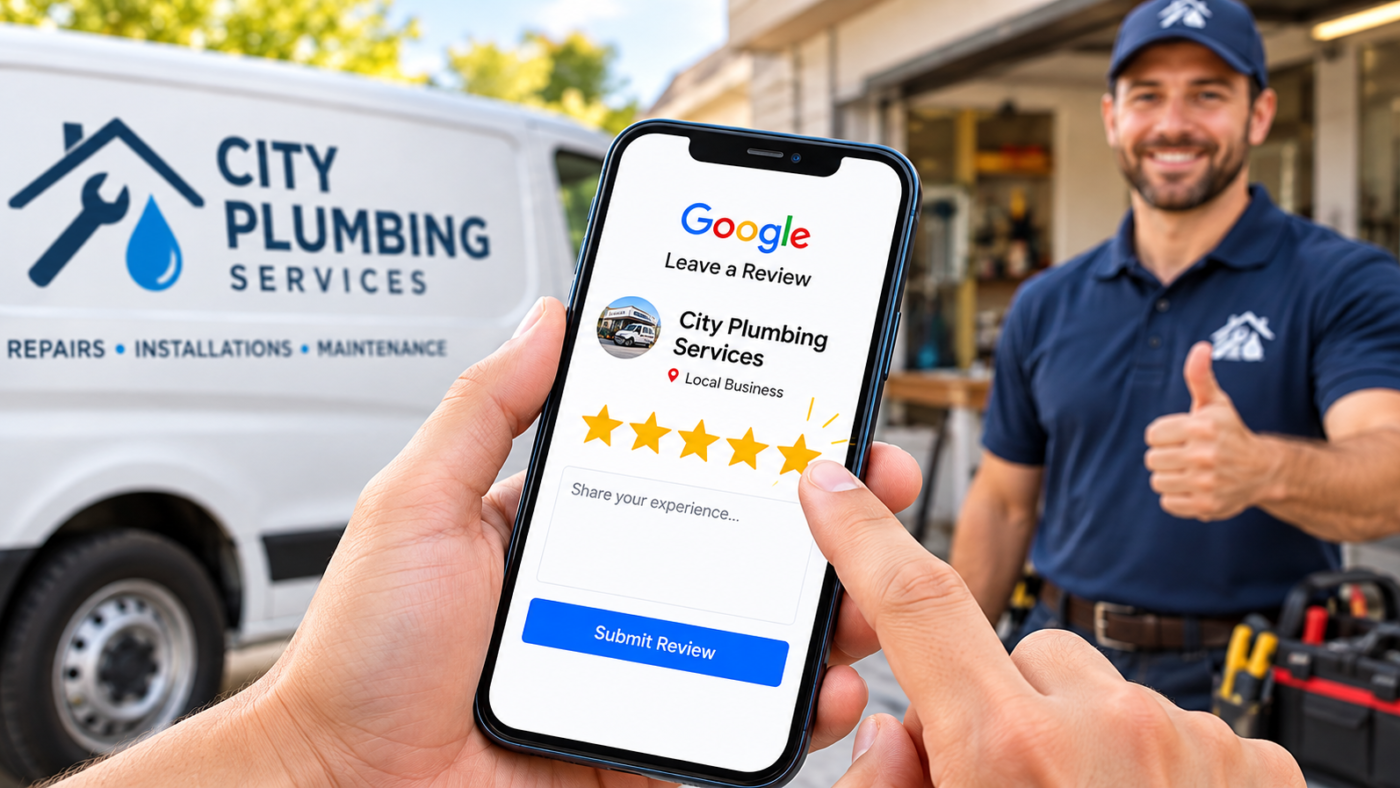
The businesses with the most Google reviews do not have better customers. They ask every customer, at the moment the customer is happiest, with a direct link that takes one tap to open. Get your review link from your Business Profile, send it by text within a few hours of the job, put a QR code where people pay, and reply to every review you get. Never pay for reviews, offer anything in exchange, or only ask customers you expect to be happy. Google bans it, and the FTC can fine businesses for fake or manipulated reviews. Want a review system set up for you? Message me on WhatsApp.
When I audit a US local business, the review gap is usually the first thing I see. The business in third place on Google Maps has 60 reviews. The two above it have 400 and 650.
Owners often assume those competitors are buying reviews. Sometimes they are. But most of the time, they just have a habit: they ask every single customer, every single day.
Here is how to build that habit into your business, with templates you can copy and the rules that keep you safe.
Why reviews matter so much
Reviews do three jobs at once.
- They help you rank. Review count, rating, freshness and the words customers use are all local ranking signals.
- They win the click. When three businesses appear in the map pack, people compare stars and counts before anything else.
- They feed AI answers. Google AI Mode, ChatGPT and Gemini read review text to decide which businesses to recommend for a specific need.
The last point is new and important. A review that says “They fixed our AC the same afternoon in Plano” tells Google and AI tools what you do, where you do it and how fast. A five star rating with no text tells them very little.
Step 1: Get your review link
Sign in to your Business Profile, search your business name on Google, and look for the option to ask for reviews or share a review form. Google gives you a short link that opens the review box directly.
Save that link somewhere your whole team can reach it. Then turn it into a QR code with any free QR generator.
Step 2: Ask at the right moment
Timing matters more than wording. Ask when the customer has just experienced the result:
| Business type | Best moment to ask |
|---|---|
| Home services (HVAC, plumbing, roofing) | Right after the job is finished and tested, before you leave |
| Dentists and clinics | At checkout, or in a text within two hours of the visit |
| Restaurants and cafes | With the check, using a QR code on the table or receipt |
| Salons and spas | When the client is looking at the finished result |
| Lawyers and accountants | After a successful outcome or a filed return |
| Auto repair | When the customer picks up the car |
A text sent the same day gets far more reviews than an email sent a week later. People forget fast.
Step 3: Use simple, personal messages
Short beats clever. Use the customer’s name and mention the specific job. Here are templates you can adapt.
Text message after a service visit:
Hi Sarah, this is Mike from Lone Star Plumbing. Thanks for having us out today to fix the water heater. If you have a minute, a quick Google review would really help our small team: [link]
Email after an appointment:
Subject: Thanks for visiting us today
Hi James, thank you for coming in today. We would love to hear how your visit went. You can leave a review on Google here: [link]. It takes about a minute and helps other patients find us. Thank you, Dr. Patel and the team.
In person:
“I am glad that worked out. We are a small local business and Google reviews really help us. Would you mind leaving one? I can text you the link right now.”
Notice what these messages do not say. They do not ask for five stars. They do not offer anything. They go to everyone.
Step 4: Make it a routine, not a campaign
A burst of 50 reviews in one week, followed by nothing for three months, looks unnatural and does less for your ranking than steady growth. Aim for a pace you can keep.
-
Most important
Assign one person
Make one team member responsible for sending review requests every day. Without an owner, it stops after two weeks.
-
Add it to your checkout or job completion process
If your CRM, booking or field service software can send an automatic text after a completed job, turn it on.
-
Put QR codes where people wait or pay
Front desk, receipts, invoices, the back of business cards and the leave behind on a service call.
-
Track the number weekly
Write down your review count every Monday. What gets measured gets done.
Step 5: Reply to every review
Replies show future customers, and Google, that a real person runs the business. Thank positive reviewers by name and mention the service. For negative reviews, stay calm, apologize for the experience, and move the conversation offline.
If a review is fake or breaks Google’s rules, report it rather than arguing in public.
The rules you cannot break
This is where many businesses get into trouble without realizing it. Two sets of rules apply: Google’s and the federal government’s.
The FTC rule on fake reviews
The Federal Trade Commission finalized a rule in August 2024 that bans fake reviews, undisclosed reviews from insiders, suppressing negative reviews, and offering incentives conditioned on a positive or negative review. Penalties can reach $53,088 per violation (Crowell).
Google’s own policy
Google goes further. It does not allow incentives for reviews at all, positive or not, and discourages selectively asking only happy customers. Google can remove the reviews, block new reviews for a period, and display a warning on your profile that fake reviews were removed (Google Business Profile Help).
In practice, avoid all of these:
- Buying reviews or using “review exchange” groups
- Offering discounts, gift cards, raffle entries or freebies for a review
- Asking staff, family or friends to review the business
- Review gating: sending only happy customers to Google and unhappy ones to a private form
- Setting up review kiosks or tablets in your store, since many reviews from one device and location look suspicious
- Asking customers to change a negative review in exchange for a refund
Want a review system that runs itself?
Send your business name, city and state. I will compare your reviews against your top three map pack competitors and set up a compliant review routine that fits how your business works. Free audit, within a day.
- Name Hemant Chaudhary, GMB Expert USA
- WhatsApp +91 76968 87890
- Email contact@gmbexpertusa.com
- Hours Monday to Saturday, overlapping US business hours
- Pricing From $200 a month, no contract
How many reviews do you need?
There is no magic number. The useful benchmark is the businesses already ranking for your main search. Search your service and city, look at the top three results, and note their review counts and how recent their latest reviews are.
If they have 200 reviews and you have 40, you do not need to pass them next month. You need to be adding reviews faster than they are, every month, until the gap closes. That is also why review growth is one of the steps in the map pack ranking guide.
Frequently asked questions
How do I get my Google review link?
Sign in to the Google account that manages your Business Profile, search your business name on Google, and choose the option to ask for reviews. Google gives you a short link you can text, email or turn into a QR code.
Is it legal to offer a discount for a Google review?
It breaks Google’s policy even if the review is honest, and the FTC rule bans incentives conditioned on the review being positive or negative. Do not offer anything in exchange for a review.
Can I ask only happy customers for reviews?
No. Selectively asking only customers you expect to be positive is called review gating. Google discourages it, and suppressing negative reviews can break the FTC rule. Ask everyone.
Why did some of my Google reviews disappear?
Google’s filters remove reviews that look suspicious, such as many reviews from one location, new accounts, or reviews that arrive in a sudden burst. Sometimes genuine reviews are caught too. Steady, organic review growth avoids most of this.
Should I reply to every Google review?
Yes. A short, personal reply to each review shows customers the business is active and cares. For negative reviews, stay calm and offer to resolve it offline.
Can my employees leave reviews for our business?
No. Reviews from staff, owners or their families are a conflict of interest under Google’s policy, and undisclosed insider reviews are covered by the FTC rule.
Final word
Getting more Google reviews is not about tricks. It is about asking every customer, at the right moment, in a way that takes them one tap. Do it every day for six months and the gap between you and the businesses above you will close on its own.
If you want help setting it up, Hemant Chaudhary offers a free audit. Send a WhatsApp message or email contact@gmbexpertusa.com.
This article is general information, not legal advice. For questions about the FTC rule and your business, speak to a qualified attorney. GMB Expert USA is run remotely by Hemant Chaudhary and works with US businesses across all time zones. Google, Google Business Profile and Google Maps are trademarks of Google LLC. GMB Expert USA is an independent service provider and is not affiliated with or endorsed by Google.